👩💻 Working on projects 🚀
Clients will contact you either to customize one of your assets or hire you for custom work. In both cases, they’ll invite you to a project, and you’ll receive notifications and emails once you’re invited.
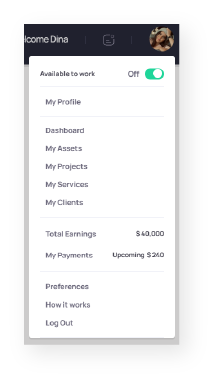
Simply choose “My Projects” from the dropdown menu on your dashboard to access your projects.
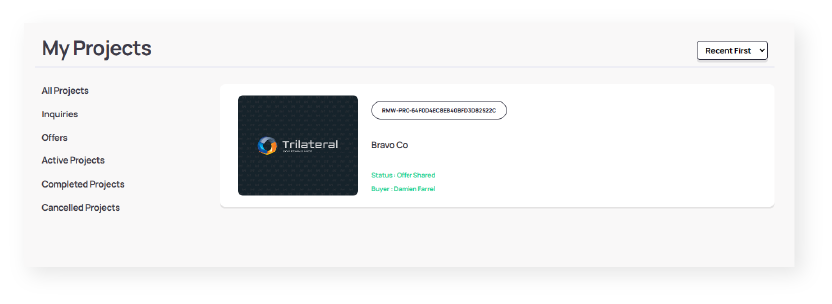
You’ll see a list of all the different types of projects with their status. Click on the project to view its activity.
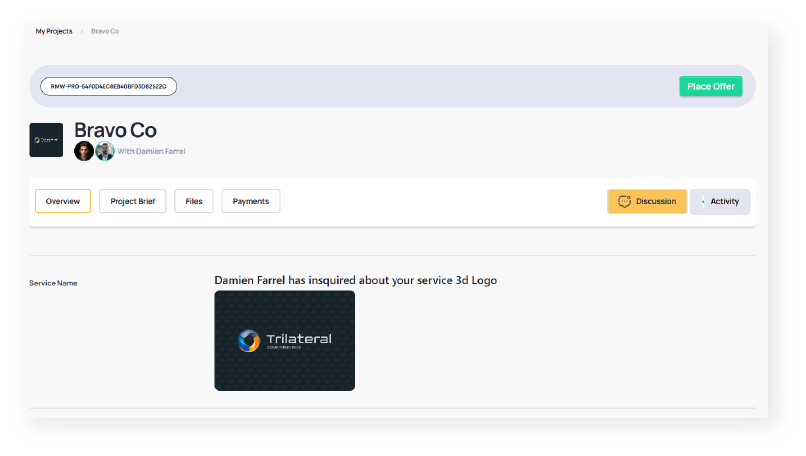
On your project page, you can see who you’re working with (the client), an overview of the project, the files uploaded by project participants, and a payment tab for payment details.
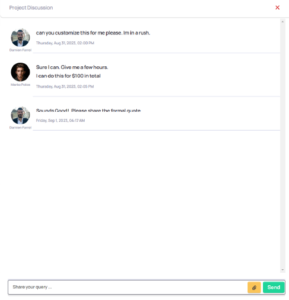
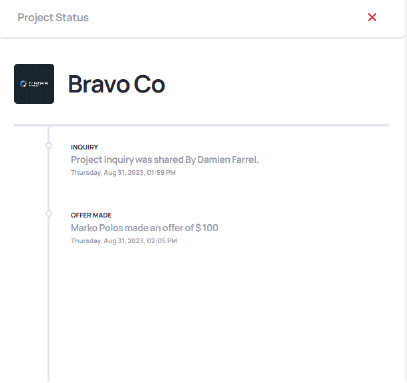
On the right, you’ll find a “Discussion” button to communicate with the client and upload files. The “Activity” view shows a general flow of your project.
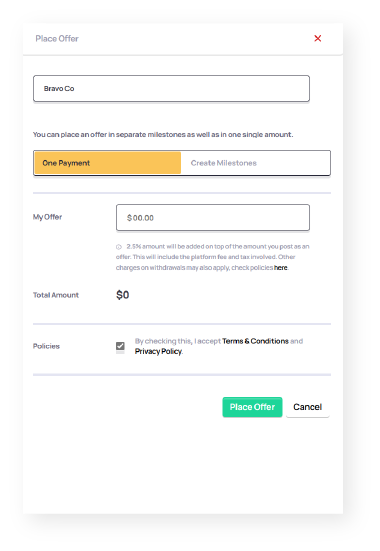
Once you discuss the project details with the client and agree to work, simply press the “Place Offer” button to create an offer invoice. You can create your offer as a single invoice or milestone-based offer.
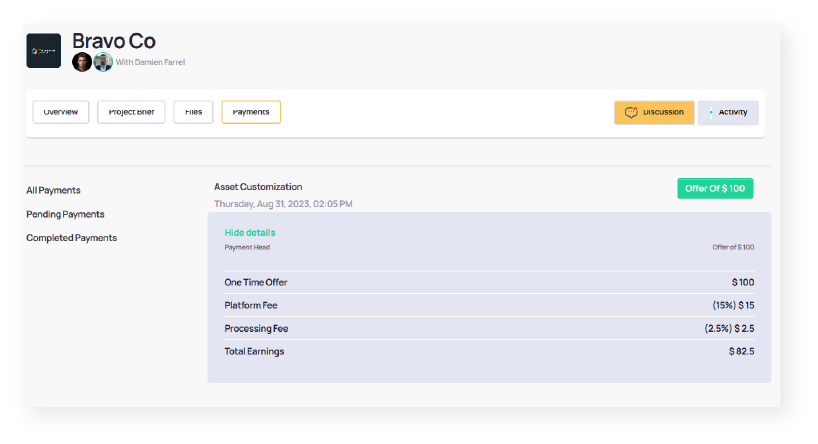
Once done, you can always view the status of your offer through the “Payments” tab on the top.
Once you’ve completed a project and delivered the final files, you can request to release the project and mark it as complete. 🎉
